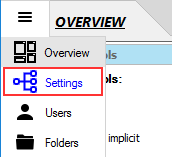
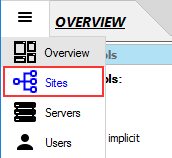
 OR select the 'Sites' panel (Enterprise Edition).
This tutorial will give you two simple examples on how to host web-applications in CompleteFTP.
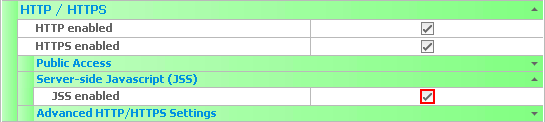
Before getting started, you need to enable the 'Server-side Javascript (JSS)' property on the site serving up the page.
OR select the 'Sites' panel (Enterprise Edition).
Now, let's create our own web-application in Javascript.
response.write("Hello world");
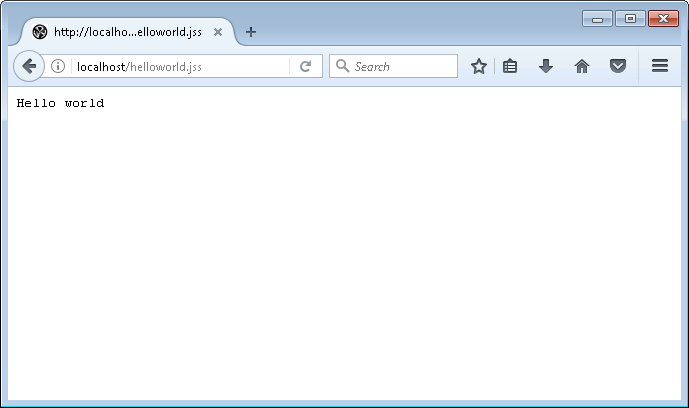
In this example, we're going to create a .jss file in a user's home directory and execute it as a JSS web application. Therefore, we must enable JSS for both the site serving the page (which we have done at the beginning of this tutorial) and the user who owns the folder that contains the file.
Now, let's enable JSS for the user.
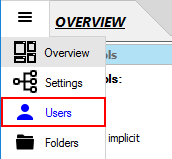

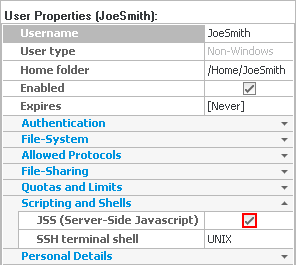
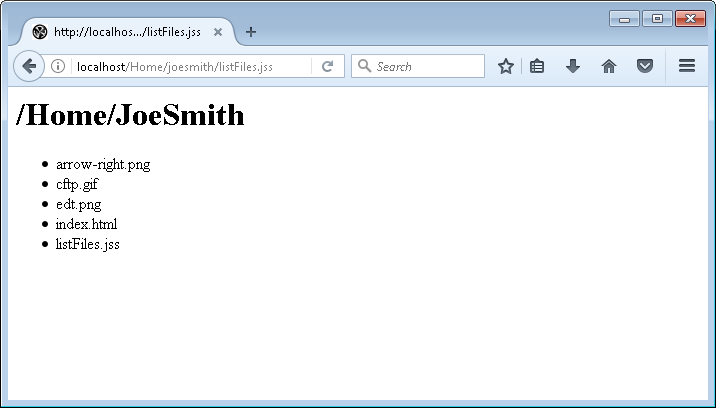
Now, JSS has been enabled for both the site and the user. So let's create a web-app that simply lists the files in the user's home directory.
response.write("<h1>" + system.user.homeFolder + "</h1>");
response.write("");
var homeFolder = system.getFile(system.user.homeFolder)
var files = homeFolder.getFiles();
files.forEach(function(file) {
response.write("- " + file.name + "
")
});
response.write("
");